- Does Copilot give people access to files they couldn’t open before?
- No. Microsoft 365 Copilot works within each person’s existing permissions. The risk is that many files are already shared far more widely than anyone realises, and Copilot makes them easy to find with a plain question.
- What is Copilot oversharing?
- Oversharing is when files are open to more people than need them: sites shared with everyone, old team folders, or “anyone with the link” files. Before Copilot, people rarely stumbled on them. With Copilot, one question can surface them in seconds.
- Does Centeye replace Microsoft’s own Copilot controls?
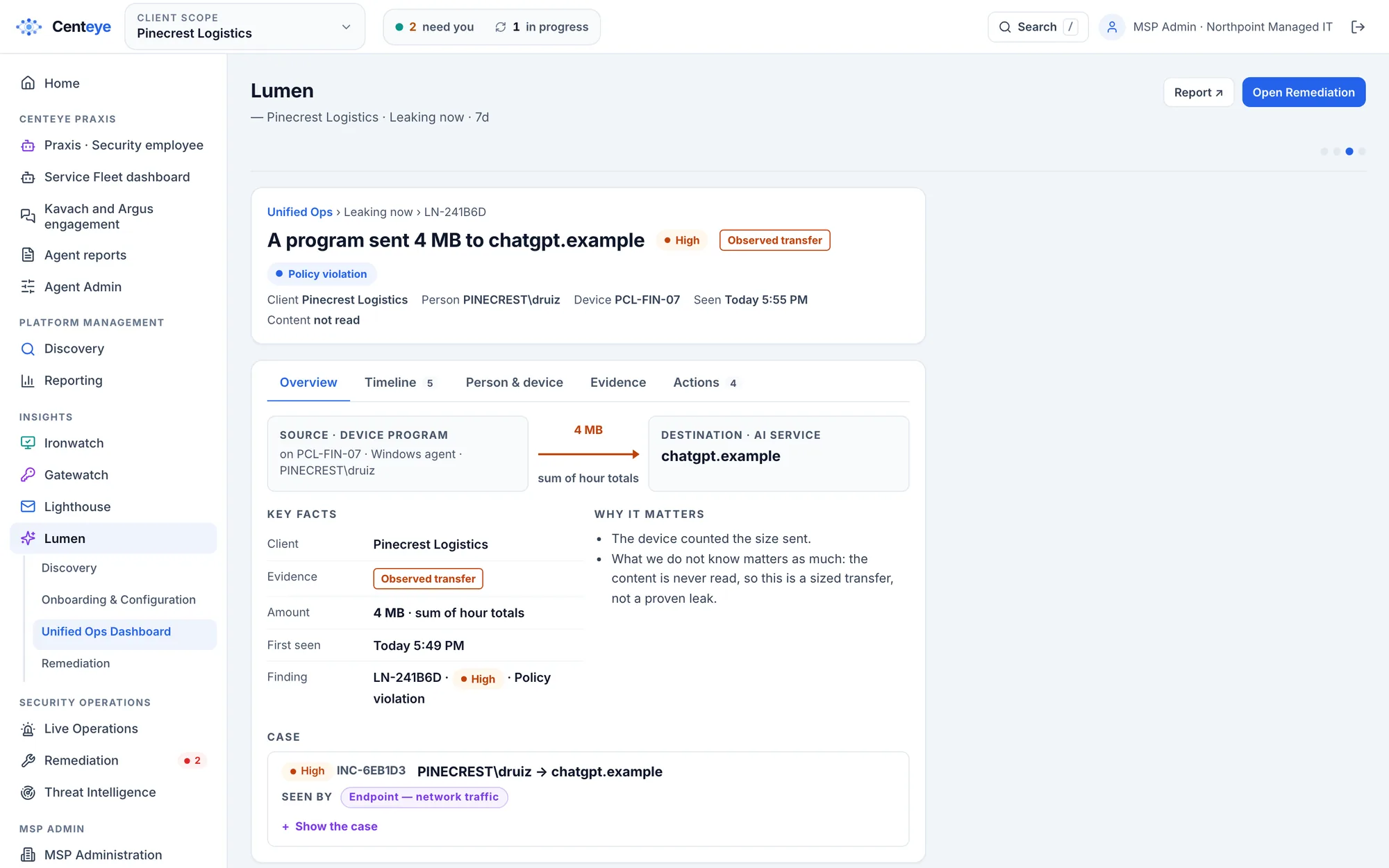
- No. It works alongside them. Microsoft gives each tenant’s admin reports and settings. Centeye shows an MSP which clients need which fix first, gives the exact change and its owner, and checks afterwards that Copilot can no longer reach the data.
- Will Centeye change sharing or revoke access on its own?
- Only if you set it to. Everything starts on “Tell me”: Centeye shows what it finds and recommends the fix. You can move each action to “Ask me first” or “Handle it”, per client. Risky steps never run on their own, and every action is checked at Microsoft afterwards.
- Do I need to install anything?
- No. Connect Microsoft 365 with one admin sign-in to see oversharing, Copilot access and connected AI apps, usually in under 10 minutes. The Chrome and Edge extension and the Windows sensor add the browser and laptop view if you want it.
- Can I see every client in one place?
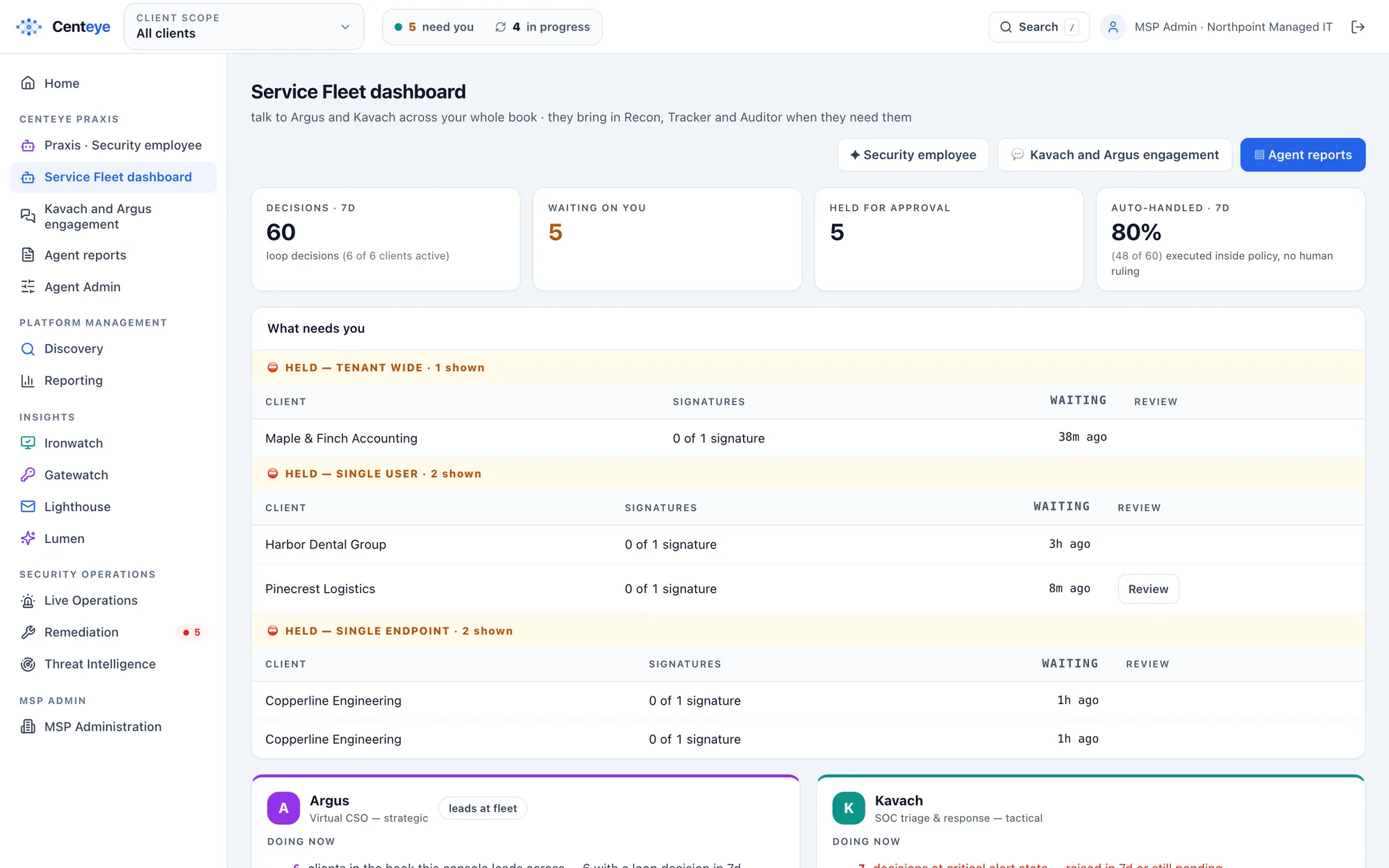
- Yes. Centeye is multi-tenant, so an MSP sees Copilot risk across every client tenant in one view, with policy set per client and tickets opened in standard PSA tools.
- Should we check oversharing before or after rolling out Copilot?
- Before, if you can. Fixing the widest sharing first means Copilot starts with a clean view. If Copilot is already live, start now: the same checks show what it has already been able to reach.
- Does it cover Copilot Studio agents?
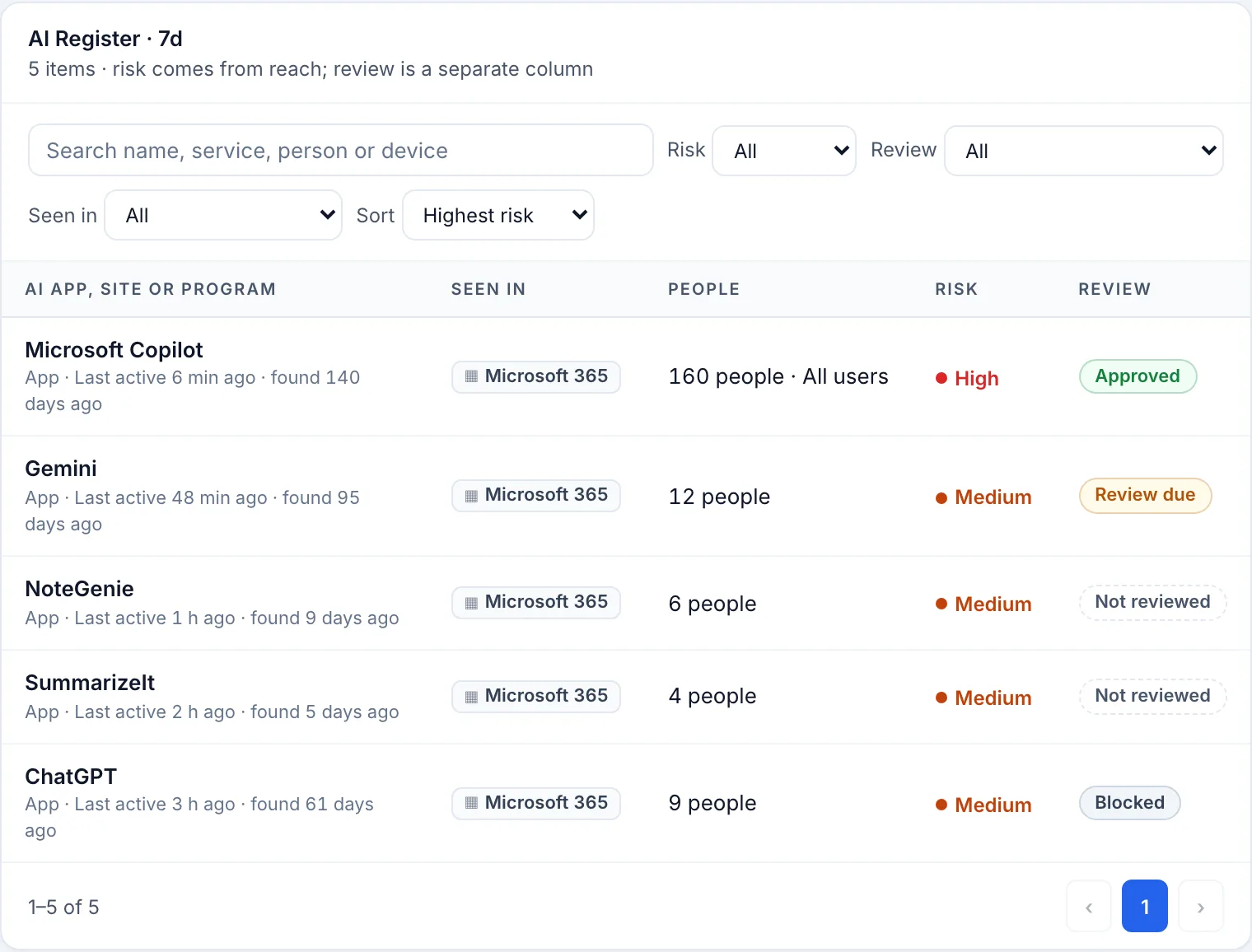
- Agents and AI apps that hold access to Microsoft 365 through app grants are covered today, each with an owner and a 90-day review. Reading Copilot Studio’s own agent registry and Entra Agent ID is coming. Synthwatch is in early access.
- What about Gemini and Google Workspace?
- Connected AI apps, sign-ins and AI use are covered in Google Workspace too. This page focuses on Microsoft 365 Copilot; see Centeye Lumen for the wider AI picture.
Microsoft, Microsoft 365, Copilot, SharePoint, Purview and Entra are trademarks of the Microsoft group of
companies. Use here describes compatibility only.